When you create a 6 Club account, the registration form has a field labelled invitation code. Here’s what that code is, whether you need one, where to enter it, and how to fix the common “invalid code” errors. The full sign-up steps are in the 6 Club register section on our homepage.
What is a 6 Club invitation code?
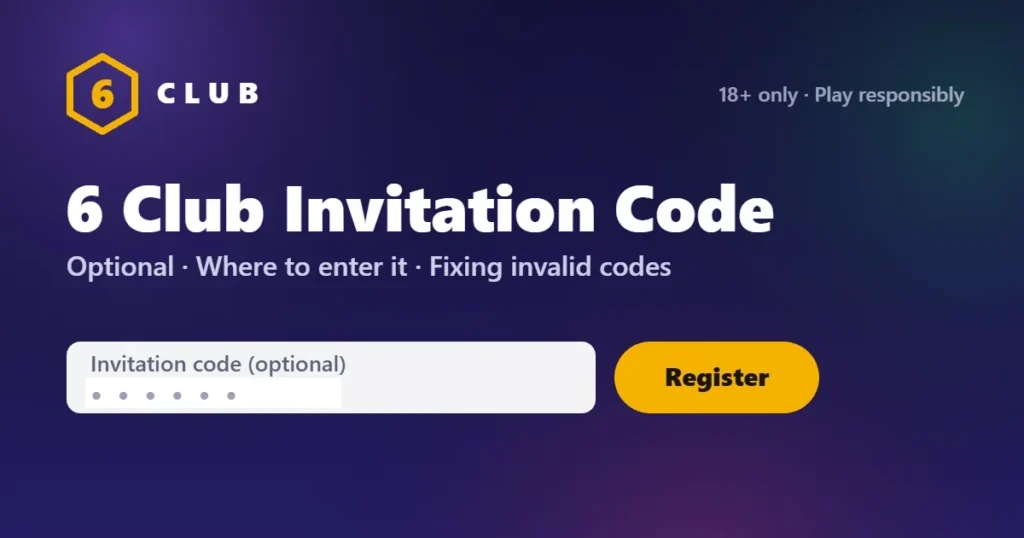
An invitation code is a short code that links a new account to the existing player who invited them. Every 6 Club account has its own code. When a friend shares theirs and you enter it at registration, your account is connected to theirs.
Sometimes it’s called an invite code, referral code or invitation link. They’re the same thing. A link simply fills in the code for you.
Do you need an invitation code to register?
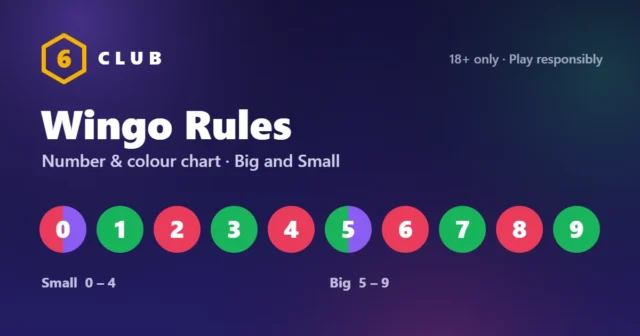
No. The invitation code field is optional. Leave it blank and your account works exactly the same: same games, same login, same features. Once you are in, start with the Wingo rules: it is the simplest game to learn.
Where to enter the invitation code
- Open the 6 Club registration form.
- Fill in your mobile number and verify it with the OTP.
- Create your password.
- Find the field labelled Invitation code, usually the last field before the Register button.
- Type or paste the code exactly as you received it.
- Tap Register.
If you opened an invitation link, the field may already be filled in. Check it’s correct before registering.
Can you add an invitation code after registering?
The code is entered at registration. If you’ve already created your account without one, it usually can’t be added later. If you think a code should have been applied, contact customer support with your registered mobile number.
“Invalid invitation code”: how to fix it
| Cause | Fix |
|---|---|
| Typo or extra space | Clear the field and type the code by hand. Pasted codes often carry a hidden space at the end. |
| Wrong letters or numbers | Codes are usually numbers. Check you haven’t swapped 0 and O, or 1 and l. |
| Incomplete code | Ask your friend to copy the code again from their account. |
| Code from a different platform | Codes only work on the platform they came from. A code from another app won’t work on 6 Club. |
| Still not accepted | Leave the field blank and register. The code is optional. |
Where to find your own invitation code
After your 6 Club login, your personal invitation code and link are shown in your account area under Invite. Anyone who registers with it is linked to your account.
Keep your account safe
- An invitation code is safe to share. It only identifies your account.
- Never share your password or OTP alongside it. Nobody needs those to use your code.
- Be wary of anyone selling “special” invitation codes. Every code works the same way.
FAQ
Is the 6 Club invitation code required?
No. It’s optional, and your account works the same without it.
What’s the difference between an invite code and an invitation link?
Nothing, except convenience. The link opens the registration form with the code already filled in.
Why does it say my invitation code is invalid?
Usually it’s a typo, an extra space or an incomplete code. Type it again by hand, or leave the field blank.
Can I change the invitation code after registering?
Generally no. Contact support if you think there’s a problem.
Ready to create your account? Follow the 6 Club register steps.