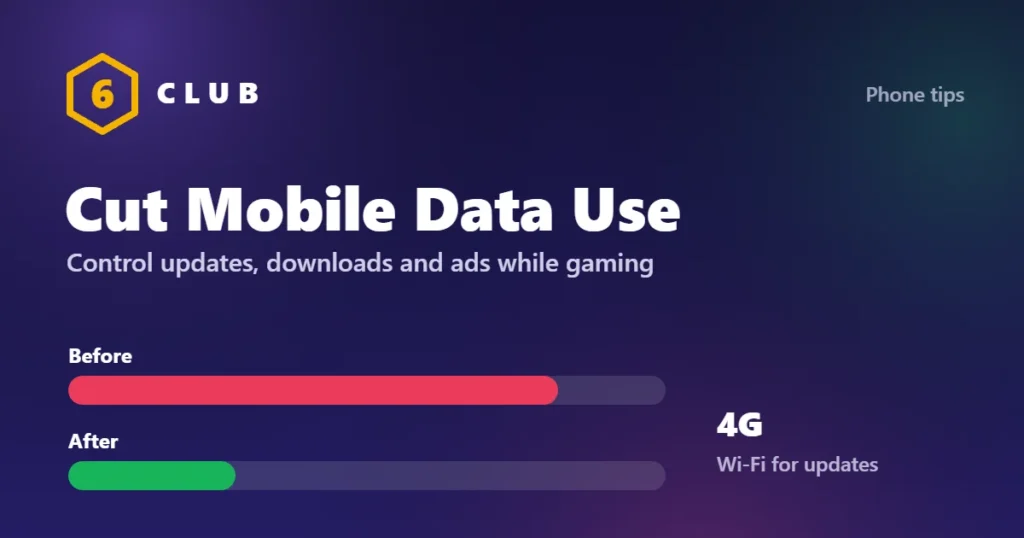
People usually blame gameplay for their data bill, but for most games gameplay is the cheapest part. Updates, first-launch asset downloads and video advertisements consume far more. All three can be managed.
Playing 6 Club on mobile data
6 Club games use very little data per round, because results are just numbers, not video. You can comfortably play on 4G after your 6club login. The tips below cut data use further.
Find out where your data is going
Before changing settings, get the actual numbers.
- Android: Settings, Network and internet, then the data usage or SIM section, and open App data usage. Set the period to the current month and sort by usage.
- iPhone: Settings, Mobile Data, then scroll to the app list. Note that these figures accumulate since the last reset, so reset the statistics at the start of a billing cycle to get a clean month.
Look at two things for each game: total usage, and how much of it is background rather than foreground. High background usage on a game you rarely open means it is updating or fetching advertising while idle.
Control updates, the largest single cost
A single large game update can exceed an entire month of actual play. Updates also eat storage, so if your phone is nearly full, see how to free up storage on Android without deleting apps.
- Play Store: profile icon, Settings, Network preferences, App download preference, set to Over Wi-Fi only. Also set Auto-update apps to Over Wi-Fi only.
- iPhone: Settings, App Store, and turn off Automatic Downloads and App Downloads over mobile data. Also turn off Automatic Updates there if you want full control.
- Install a new game while on Wi-Fi and open it once before leaving. Many games download a large second payload on first launch, after the store download has finished, and that one is easy to miss.
Stop background data for games
A game does not need a connection while you are not playing it.
- Android: Settings, Apps, the game, Mobile data and Wi-Fi, then turn off Background data. Keep Unrestricted data usage off as well.
- iPhone: Settings, Mobile Data, and switch the game off in the list. It will then work only on Wi-Fi, which is the simplest option for offline-capable games.
- Android also has a global Data Saver in Settings, Network and internet. It restricts background use for everything except apps you allow.
Advertising is data
A thirty-second video advertisement is a video download. In an ad-supported casual game, advertising is frequently the largest share of data used.
- The most effective response is a one-time purchase to remove advertisements where the game offers one. It usually costs less than a currency pack and pays for itself in data on a metered connection.
- Reset your advertising identifier so less is targeted: Android, Settings, Google, All services, Ads; iPhone, Settings, Privacy and Security, Tracking.
- Where a game offers an optional advertisement for a reward, note that declining it saves data. Those are usually the largest single downloads in a session.
- A game that shows forced video advertisements between every round on a metered connection is worth uninstalling on cost grounds alone.
Choose games that are cheap on data
- Offline games use essentially no data once installed, which makes them the obvious answer on a limited plan. To check, turn on airplane mode and open the game: if it loads and plays, it truly runs without a connection.
- Turn-based and board games send tiny amounts of data, since only moves are transmitted.
- Competitive real-time multiplayer sends a continuous stream, but the per-hour figure is usually smaller than people expect. The cost in these games is the updates.
- Cloud gaming is the expensive category by a wide margin, because it streams video continuously. It is not a sensible choice on a metered plan at all.
In-game settings that matter
- Turn off high-quality or HD asset downloads if the game offers the option. Many games download optional texture packs by default.
- Turn off in-game video content, cutscene streaming and news or event feeds where these can be disabled.
- Disable cloud save syncing on mobile data if the game lets you choose, and keep it on Wi-Fi.
Practical habits
- Do updates and installs on Wi-Fi, at home or wherever you have an unmetered connection, and check the pending updates list before leaving.
- Enable a data warning and a hard data limit: Android, Settings, Network and internet, Data warning and limit. The hard limit turns mobile data off rather than letting you overrun.
- Check the app list once a month. Games you no longer play but have not uninstalled keep consuming background data.
- Be wary of a VPN while gaming. It adds latency and some services add overhead, so it costs you both data and responsiveness.
A note on tethering and shared connections
If several people share one connection, a single game update can consume the household allowance. Coordinating large downloads, and setting every device to update over Wi-Fi only, is more effective than any individual setting.
The short version
Set all store downloads and updates to Wi-Fi only, turn off background data for games, pay once to remove advertisements in games you play often, prefer offline and turn-based games on a metered plan, and set a hard data limit so an overrun is impossible rather than merely unlikely.
Frequently asked questions
What uses the most mobile data when gaming?
Usually not gameplay. Game updates, first-launch asset downloads and video advertisements account for most of it. Setting all store downloads and automatic updates to Wi-Fi only removes the largest share in a single step.
How much data does an hour of mobile gaming use?
Competitive multiplayer typically uses a modest amount per hour, far less than people assume. Advertisement-supported casual games can use considerably more, because each video ad is a video download. Cloud gaming is in a different category entirely and streams continuously.
How do I stop games using data in the background?
On Android, Settings, Apps, the game, Mobile data and Wi-Fi, and turn off background data. On iPhone, Settings, Mobile Data, and switch the game off so it only works on Wi-Fi.
Does removing ads save mobile data?
Yes, and often substantially. In an advertisement-supported casual game, video ads are frequently the largest share of data used, so a one-time ad removal purchase can pay for itself on a metered plan.